Brand System / Templates / Slide Decks
Slide Decks
Official Sonance presentation templates for Keynote. Dark theme layouts with sound wave motifs, consistent typography, and brand-compliant design patterns.
11
Slide Layouts
16:9
Aspect Ratio
.key
Format
Dark
Theme
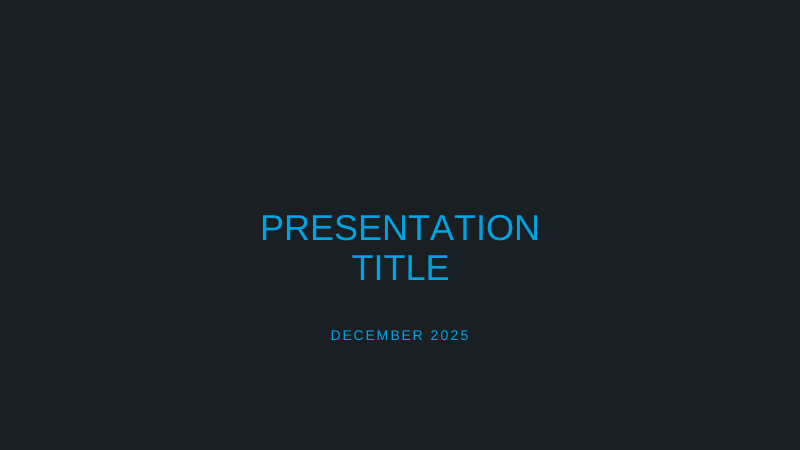


Title slide from the official Sonance presentation template
Design Guidelines
Color Usage
- Background: #000000 or #1a1f24
- Primary text: #FFFFFF
- Accent: #00D3C8 (teal)
- Muted: #9ea5aa
Typography
- Titles: Montserrat Light, 72-96pt
- Headers: Montserrat Medium, 48-64pt
- Body: Montserrat Regular, 24-32pt
- Labels: Uppercase, 14-18pt
Layout
- Margins: 80px minimum
- Grid: 12-column baseline
- Alignment: Left or center
- Spacing: Generous whitespace
Visual Elements
- Sound waves: Cyan/teal lines
- Transitions: Dissolve, 0.5s
- Images: High contrast
- Icons: Outline style only
Usage Guidelines
Do
- Use the official Sonance logo with cyan accent on the 'A'
- Maintain consistent slide-to-slide transitions (dissolve preferred)
- Use high-resolution imagery (minimum 1920x1080)
- Include sound wave design elements sparingly for brand recognition
- End with contact information and the 'Designed to Disappear' tagline
- Keep text minimal - let visuals tell the story
Don't
- Don't use bright or colorful backgrounds (stick to dark theme)
- Don't use fonts other than Montserrat
- Don't overcrowd slides with text or bullet points
- Don't use clip art, stock icons, or low-quality images
- Don't modify the logo colors or proportions
- Don't use drop shadows or 3D effects on text
Slide Layouts

Title Slide
Opening slide with Sonance logo, presentation title, subtitle, and date. Features sound wave design elements.
Use as the first slide of every presentation
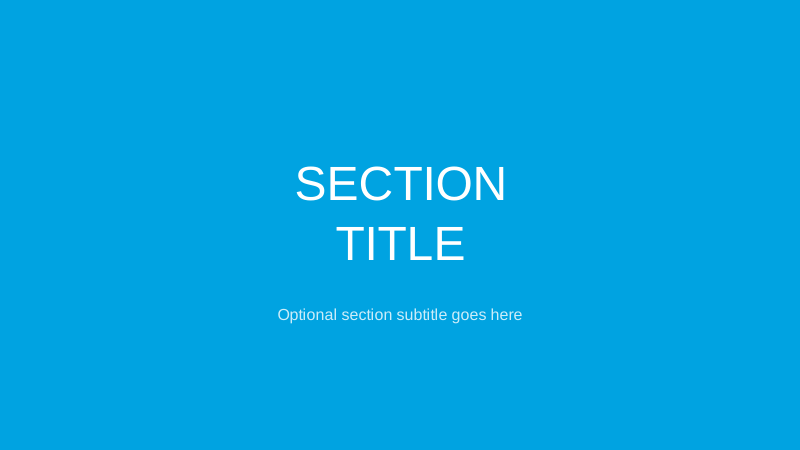
Section Divider
Full-color background with large section title. Creates visual breaks between major topics.
Use to introduce new chapters or major topics
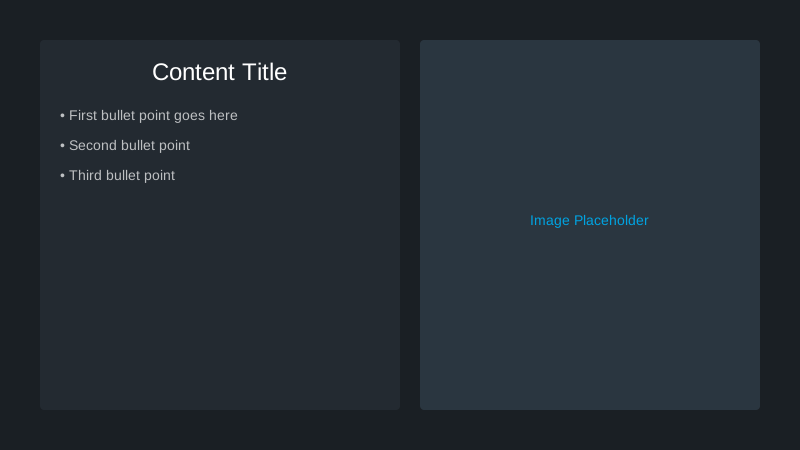
Content + Image
Split layout with text content on one side and a full-height image on the other.
Use for main content with supporting visuals
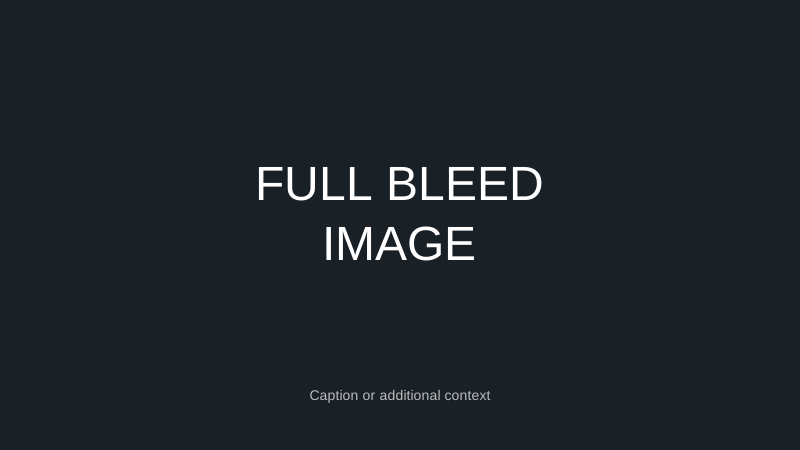
Full Bleed Image
Edge-to-edge image with optional text overlay. Maximum visual impact.
Use for impactful moments and key visuals
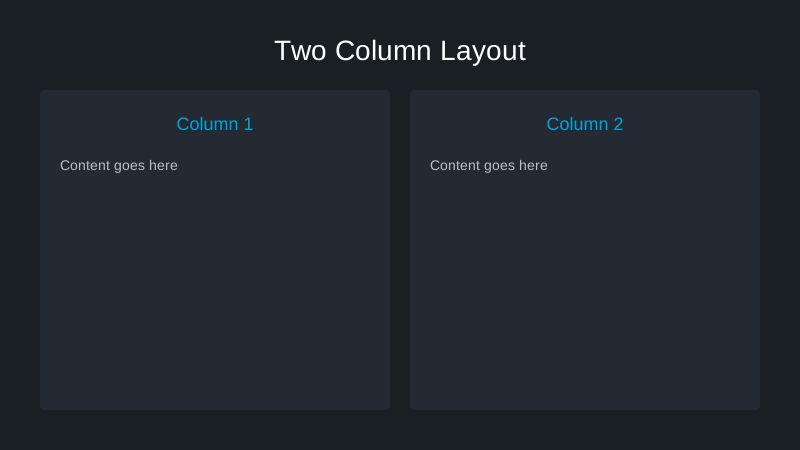
Two-Column
Side-by-side content blocks for comparing information or presenting parallel ideas.
Use for comparisons, lists, or related content
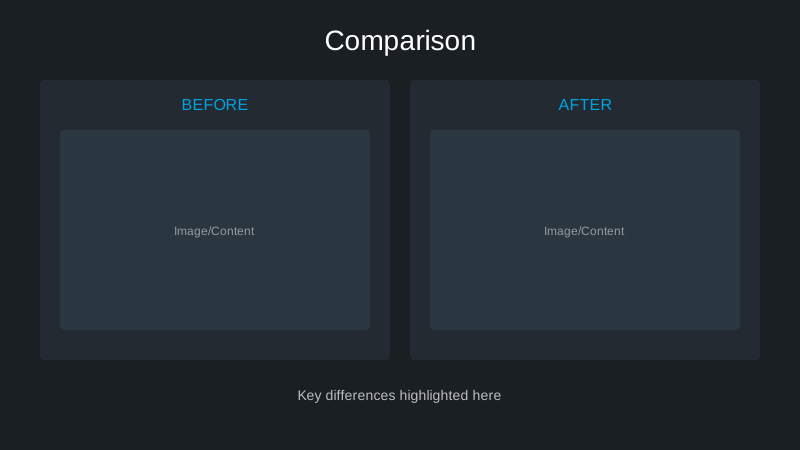
Comparison
Before/after or A vs B layout with clear visual distinction between options.
Use for product comparisons or before/after scenarios
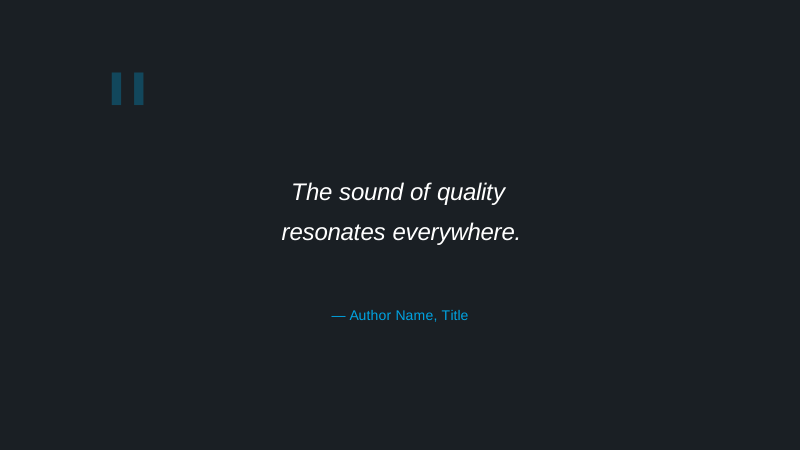
Quote
Large quote text with attribution. Emphasizes testimonials and key statements.
Use for testimonials, reviews, or key statements
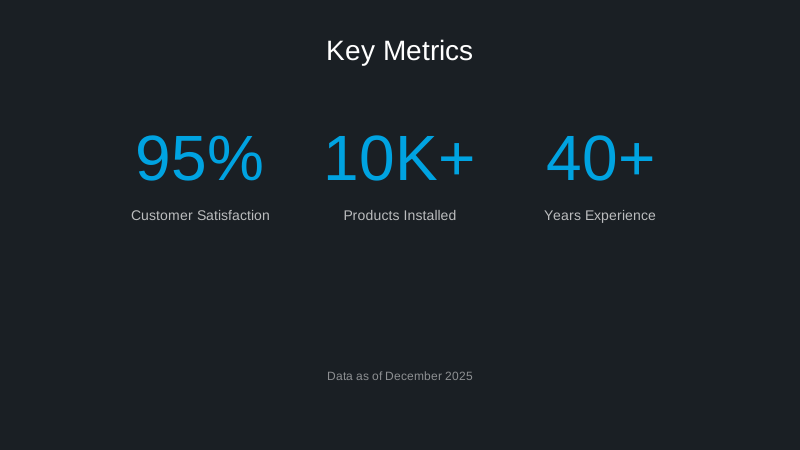
Stats & Metrics
Large numbers with supporting labels. Highlights key data points and achievements.
Use for data highlights and key metrics
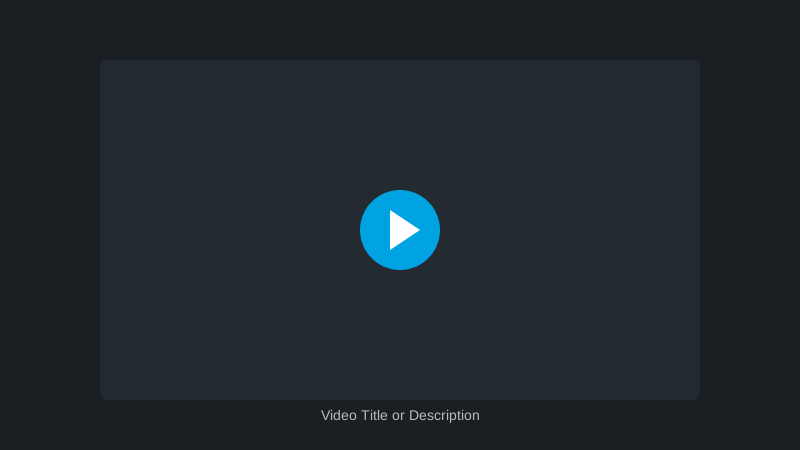
Video
Placeholder for embedded video content with play button overlay.
Use for product demos and video content
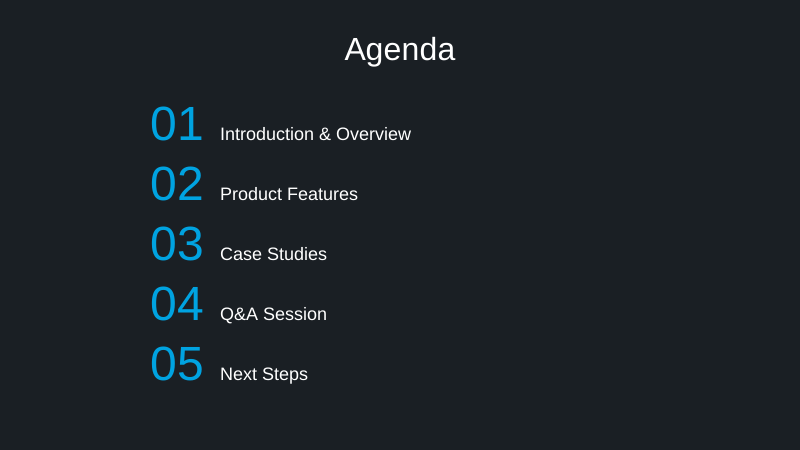
Agenda
Numbered list layout for meeting agendas and presentation outlines.
Use at the start to outline presentation topics
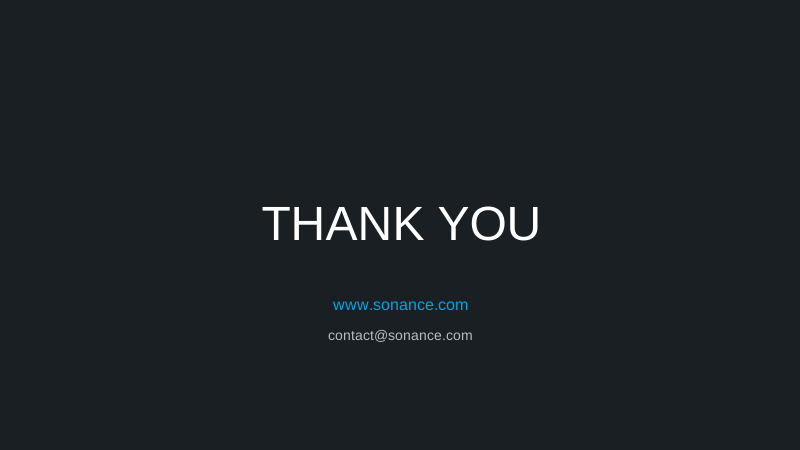
Closing Slide
Final slide with Sonance logo, contact information, and brand tagline.
Use as the final slide of every presentation
Design Assets
Sonance Sound Wave
Official brand wave element for presentations, marketing materials, and digital assets. Use as a subtle background or decorative element.
The sound wave element is pre-embedded in all slide layouts. Download the standalone asset for custom designs.
Download Template
Sonance Keynote Template
Official Sonance presentation template with all slide layouts, master slides, and brand assets included.